
A range of products that adapt to any situation.
KR810
KR1018
KR1205
KR1410
KR1805
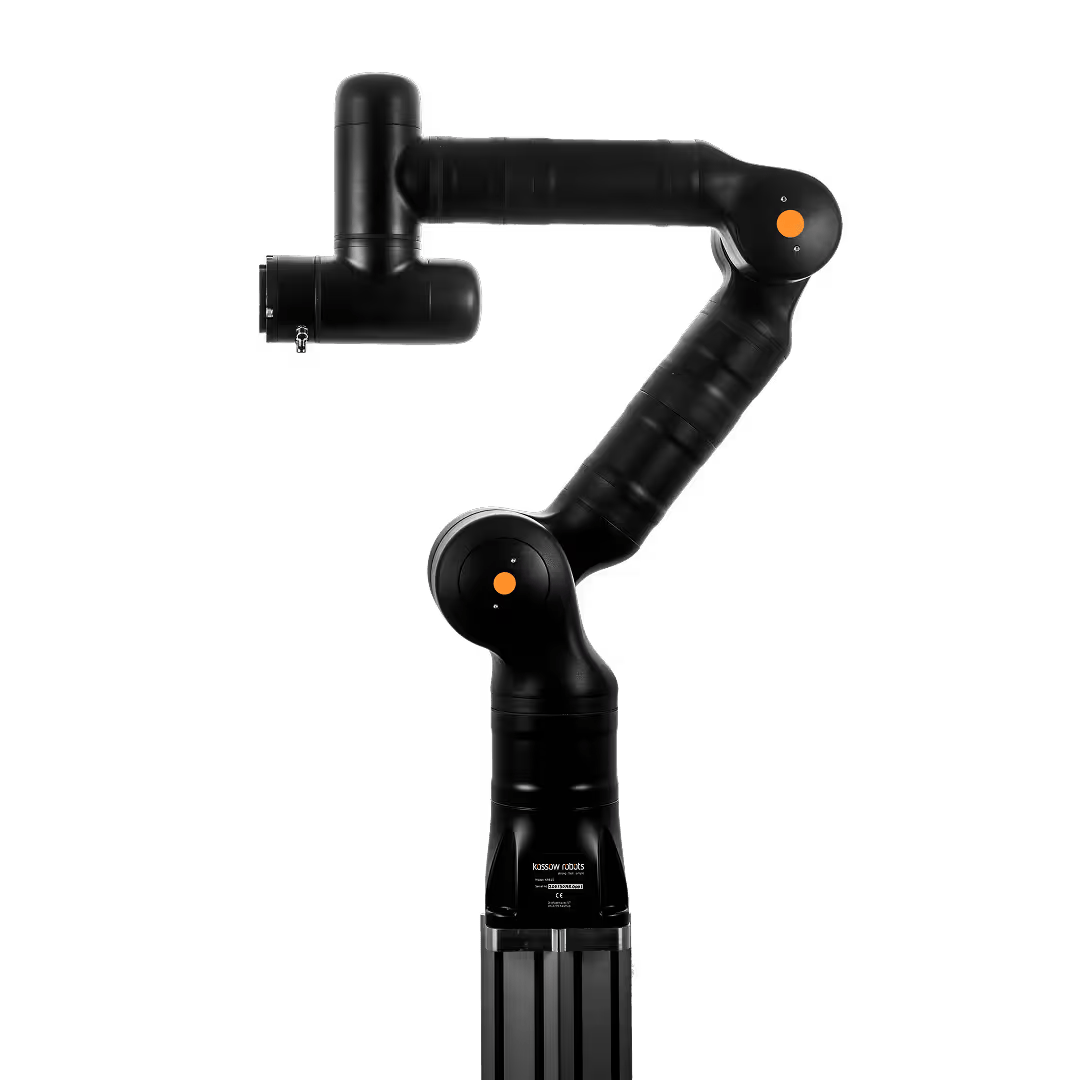
KR810
The impressive combination of high payload, reach and speed.
All of our cobots feature 7 axes and interfaces such as ROS / ROS2 or Profinet.
850 mm
Reach in all directions
10 kg
Payload
7
Degrees of freedom
25.0 kg
Weight
225 deg/sec
Joint speed
130x130 mm
Dimensions
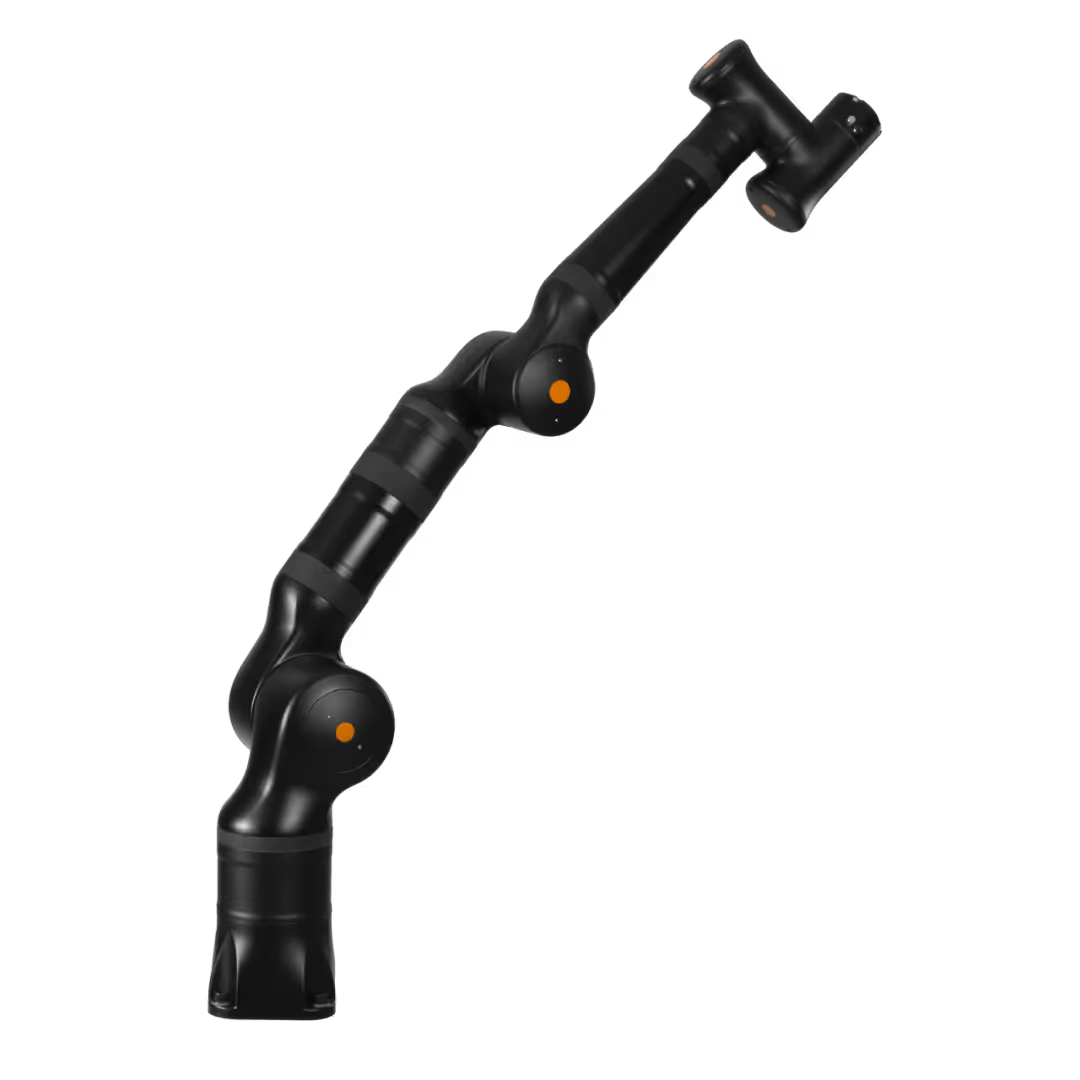
KR1018
The compact powerhouse for particularly heavy loads.
All of our cobots feature 7 axes and interfaces such as ROS / ROS2 or Profinet.
1000 mm
Reach in all directions
18 kg
Payload
7
Degrees of freedom
38.0 kg
Weight
170/225 deg/sec
Joint speed
160x160 mm
Dimensions
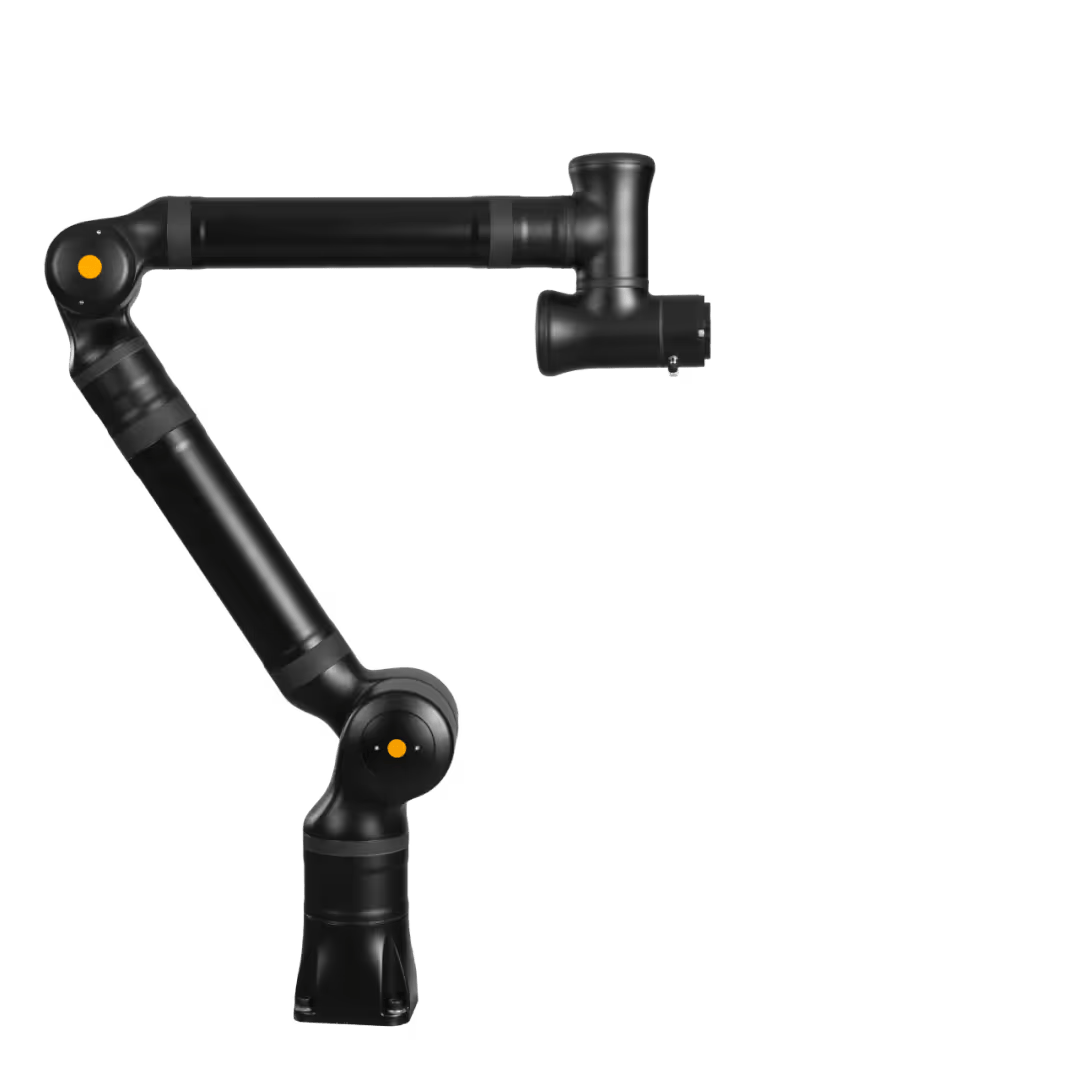
KR1205
The multi-tool with a large reach and a small footprint.
All of our cobots feature 7 axes and interfaces such as ROS / ROS2 or Profinet.
1200 mm
Reach in all directions
5 kg
Payload
7
Degrees of freedom
26.0 kg
Weight
225 deg/sec
Joint speed
130x130 mm
Dimensions
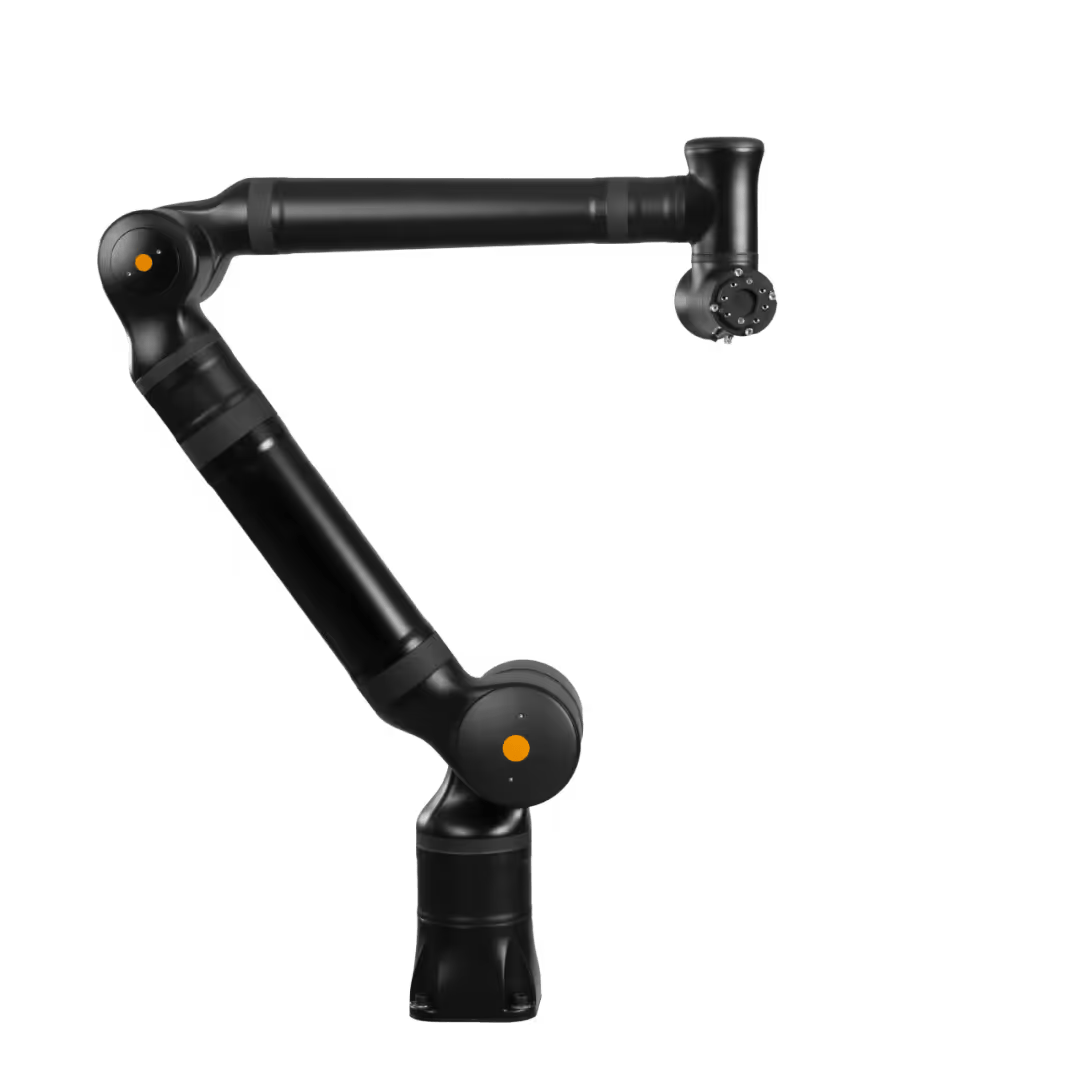
KR1410
The flexible all-rounder with a large reach.
All of our cobots feature 7 axes and interfaces such as ROS / ROS2 or Profinet.
1400 mm
Reach in all directions
10 kg
Payload
7
Degrees of freedom
38.0 kg
Weight
170 / 225 deg/sec
Joint speed
160x160 mm
Dimensions
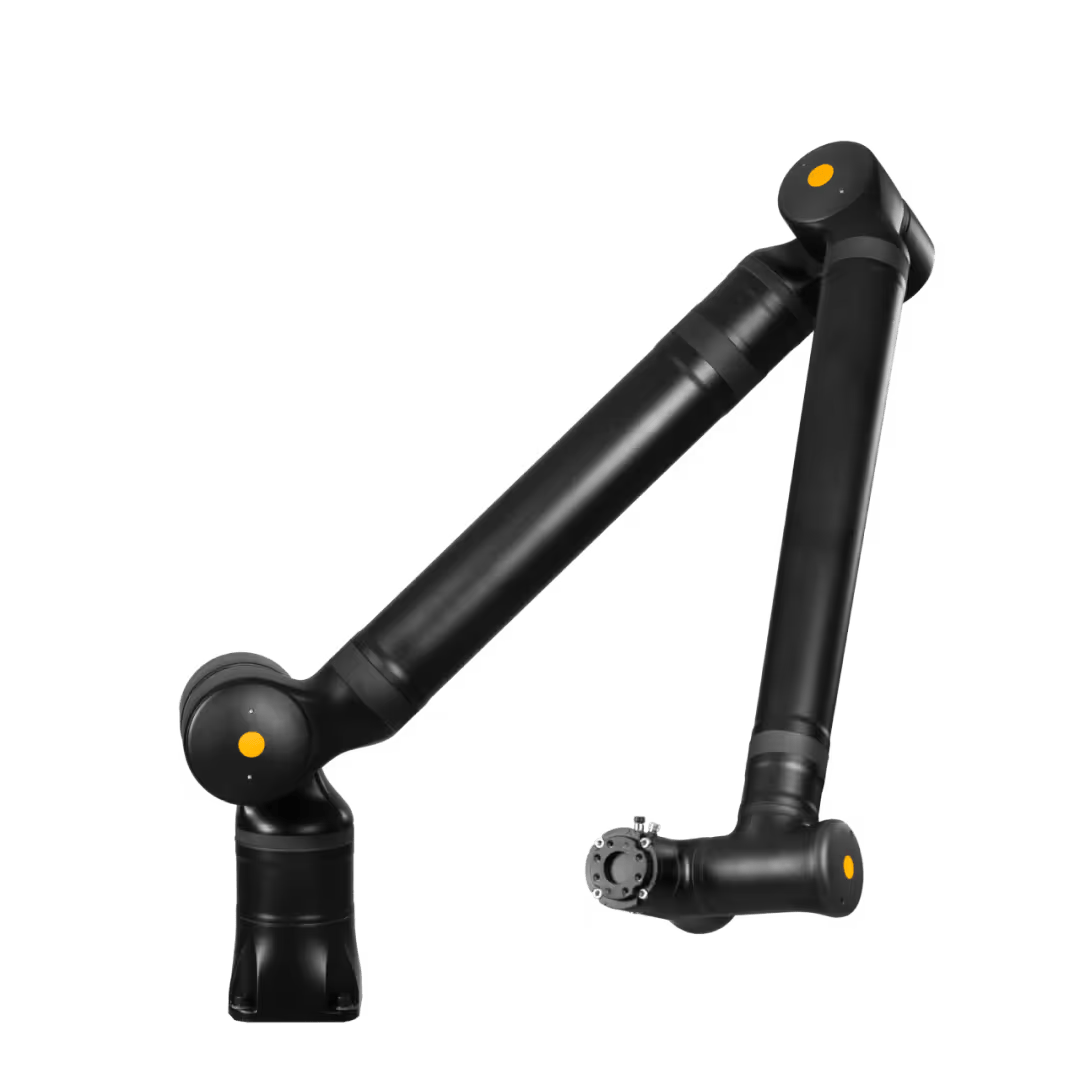
KR1805
The elegant king of reach.
All of our cobots feature 7 axes and interfaces such as ROS / ROS2 or Profinet.
1800 mm
Reach in all directions
5 kg
Payload
7
Degrees of freedom
38.0 kg
Weight
170 / 225 deg/sec
Joint speed
160x160 mm
Dimensions
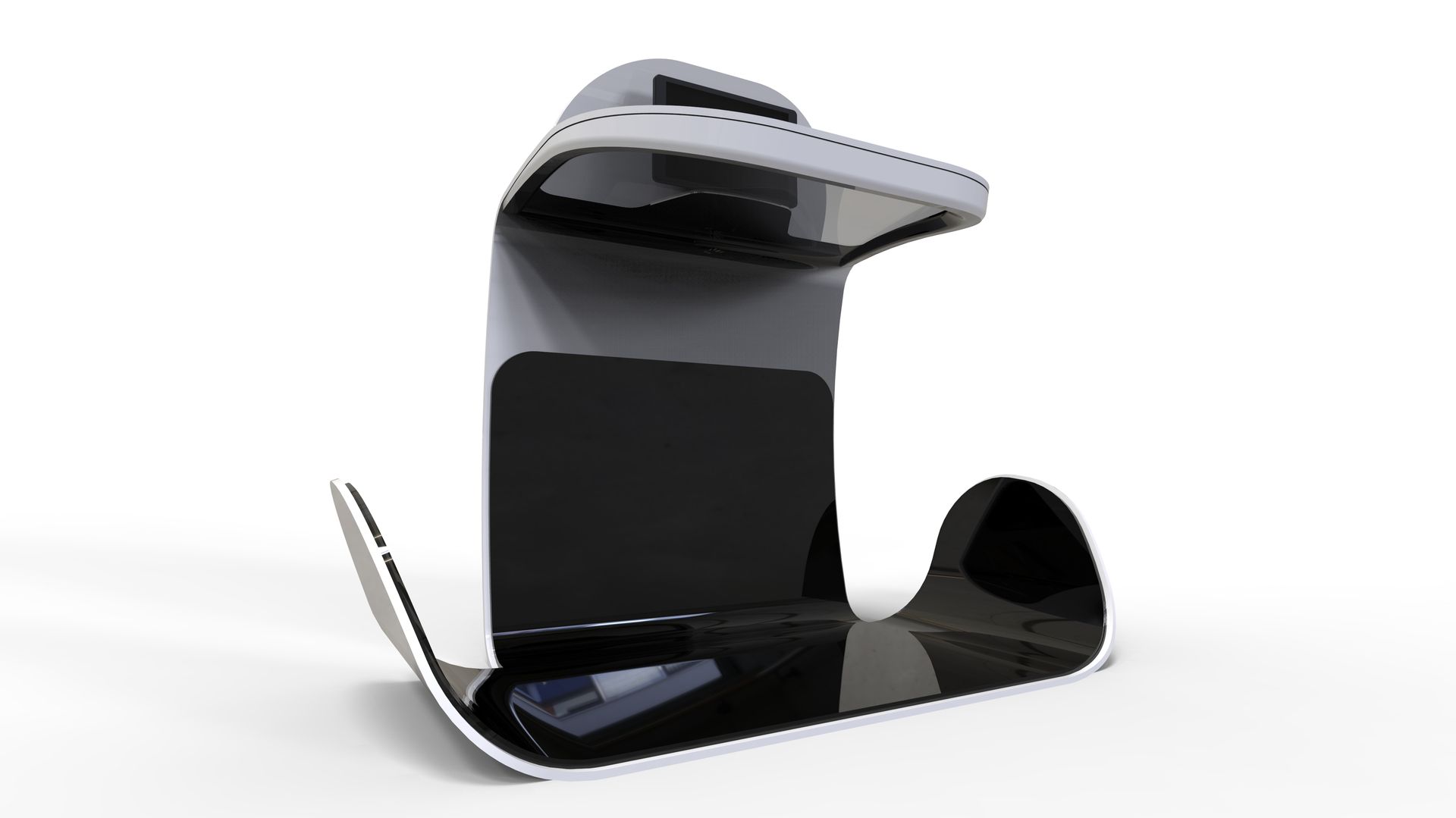
Oracle Simphony Looq Computer Vision Self-Check Out Kiosk
Oracle Simphony Looq Computer Vision Self-Check Out Kiosk uses advanced computer vision technology to automatically recognize food items placed on the kiosk tray. Instead of scanning barcodes, the system identifies products visually and generates the bill instantly. Integrated with Oracle Simphony POS, the kiosk enables rapid self-checkout for cafeterias, food courts, and grab-and-go environments. Customers simply place items, confirm the order, and complete payment through the touchscreen interface. This intelligent checkout process reduces queues, improves service speed, and minimizes operational friction. Businesses gain efficient transaction handling while delivering a modern, technology-driven customer experience.
Insert Content.
Insert Content.
Expertise
Insert Content.
Insert Content.
- Enhanced precision
- Increased reach
- Improved payload capacity
- Advanced safety features
Expertise
Insert Content.
Insert Content.
- Enhanced precision
- Increased reach
- Improved payload capacity
- Advanced safety features
Expertise
Insert Content.
Insert Content.
- Enhanced precision
- Increased reach
- Improved payload capacity
- Advanced safety features
INSERT CONTENT
This is paragraph text. Click it or hit the Manage Text button to change the font, color, size, format, and more. To set up site-wide paragraph and title styles, go to Site Theme. This is paragraph text. Click it or hit the Manage Text button to change the font, color, size, format, and more. To set up site-wide paragraph and title styles, go to Site Theme. This is paragraph text. Click it or hit the Manage Text button to change the font, color, size, format, and more. To set up site-wide paragraph and title styles, go to Site Theme. This is paragraph text.



For landlords
Rent your property
Renting out your property shouldn’t be hard. Find the perfect tenant and protect your investment without your property remaining vacant for a long period of time.
Frequently
Asked Questions.
Title or Question
Describe the item or answer the question so that site visitors who are interested get more information. You can emphasize this text with bullets, italics or bold, and add links.Title or Question
Describe the item or answer the question so that site visitors who are interested get more information. You can emphasize this text with bullets, italics or bold, and add links.Title or Question
Describe the item or answer the question so that site visitors who are interested get more information. You can emphasize this text with bullets, italics or bold, and add links.Title or Question
Describe the item or answer the question so that site visitors who are interested get more information. You can emphasize this text with bullets, italics or bold, and add links.